
Easily add full-text search to your Origami static site with pagefind!
https://pagefind.app
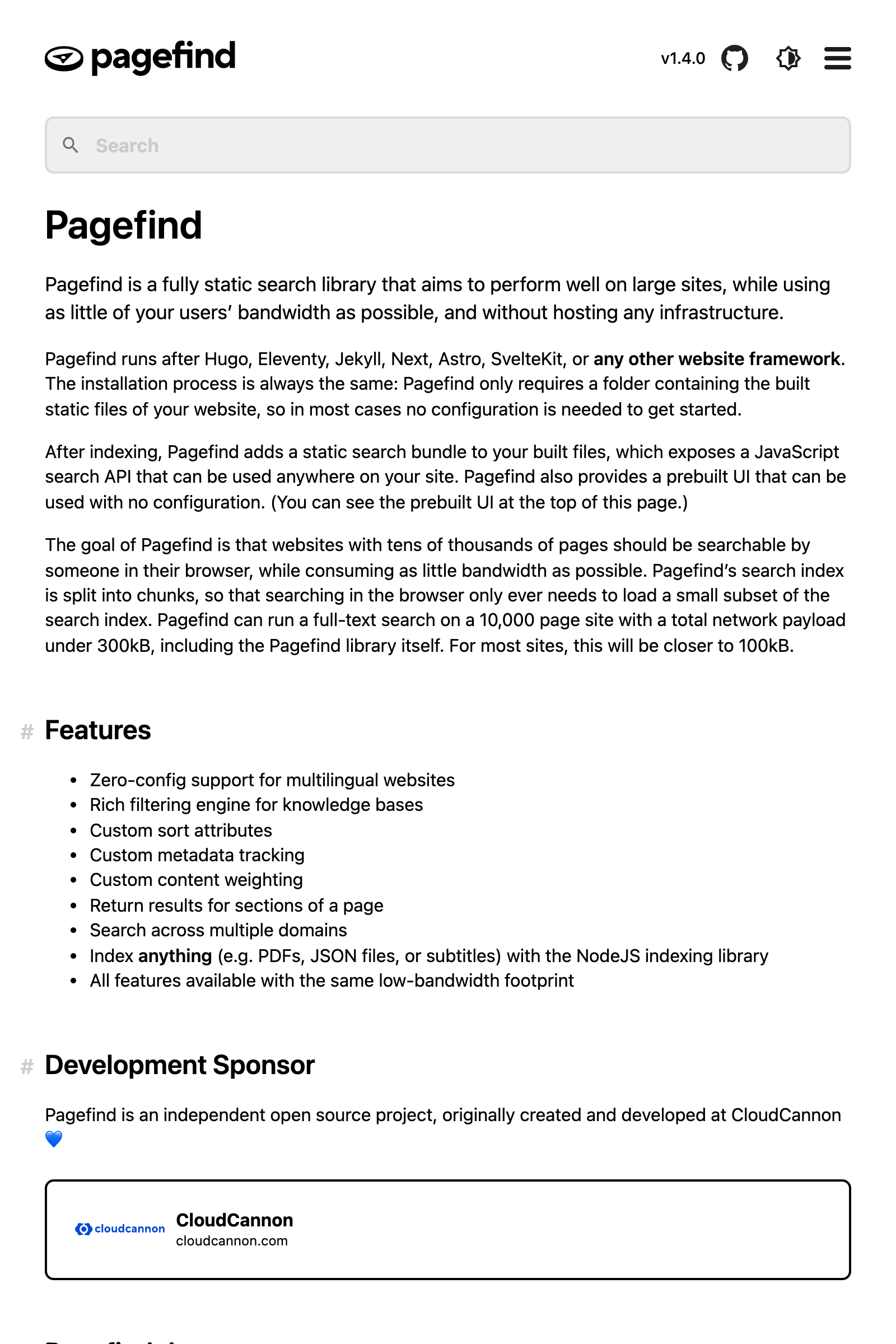
Create a search page that loads pagefind’s styles and script.
search.html
<!doctype html>
<html lang="en">
  <head>
    <meta charset="utf-8" />
    <meta name="viewport" content="width=device-width" />
    <title>Search</title>
    <link href="/pagefind/pagefind-ui.css" rel="stylesheet" />
    <script src="/pagefind/pagefind-ui.js"></script>
  </head>
  <body>
    <div id="search"></div>
    <script>
      window.addEventListener("DOMContentLoaded", (event) => {
        new PagefindUI({ element: "#search" });
      });
    </script>
  </body>
</html>
Add two lines to your Origami site definition to include the search page and the indexes generated by pagefind.
site.ori
{
  // Search page
  search.html

  // Search indexes generated on demand
  pagefind/ = package:@weborigami/pagefind({ posts })

  // The rest of your site…
  assets/
  index.html = index.ori(posts)
  posts/ = Tree.map(markdown/, Origami.mdHtml)
}
Test your new search page locally, then deploy!
http://localhost:5000/search.html
Search
Two results for about
About us
Learn more about our mission and values.
Support
Get help and find answers about our services.
Read more: Origami's pagefind extension